Smart Glasses Privacy Guide: What You Need to Know
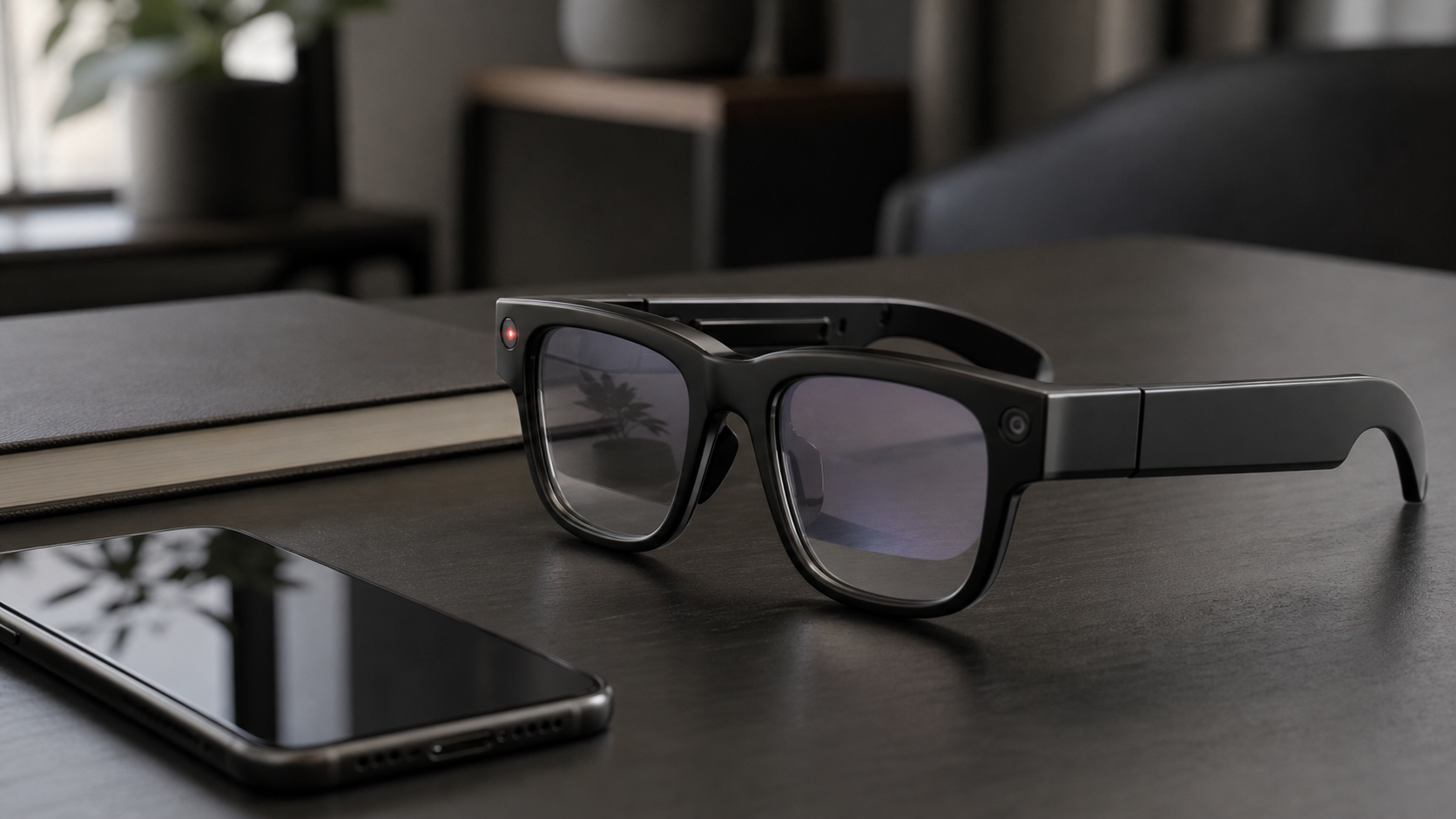
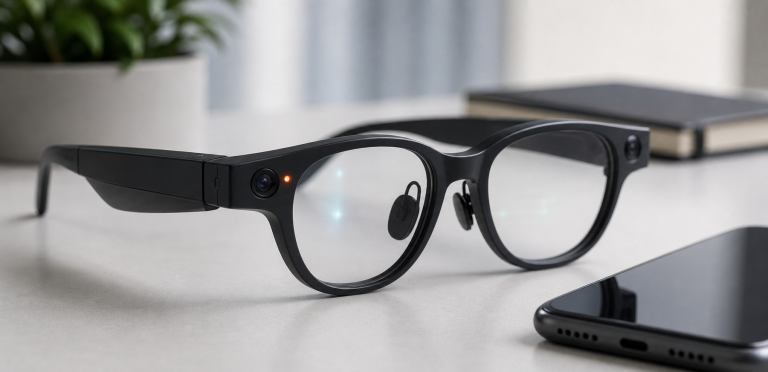
Smart glasses create a different privacy problem from phones, earbuds, or watches. They sit on the face, can point a camera where the wearer is looking, may include microphones, and may send voice or visual information to cloud-based AI systems. That does not make every pair unsafe, but it does mean buyers should understand the tradeoffs before wearing them in public, at work, at school, or around family.
Quick summary: The biggest privacy issues are cameras, microphones, recording indicators, bystander consent, data storage, AI processing, workplace rules, and social expectations. If a pair of smart glasses includes a camera, treat it as a recording device first and a fashion accessory second.
Why Smart Glasses Feel More Sensitive Than Phones
A phone camera is visible when someone holds it up. Smart glasses can be more ambiguous because the camera sits inside the frame. Even when the product includes a recording light, people nearby may not notice it, understand it, or know whether audio is being captured.
That is why privacy is not only a legal question. It is also a trust question. People may react negatively to camera glasses in gyms, schools, offices, medical spaces, events, or private homes even if the wearer is not doing anything malicious.
Cameras
Camera-equipped smart glasses can capture photos or short videos from a natural first-person perspective. That is useful for travel, family moments, sports, cooking, and hands-free tasks. It is also why they need clear etiquette.
Before buying camera smart glasses, check:
- Does the product have a visible recording indicator?
- Can the recording indicator be disabled or covered?
- How long can a video recording last?
- Where are photos and videos stored?
- Can media be automatically uploaded to a cloud service?
- Are camera features available in your country or region?
As a general rule, do not record in places where people reasonably expect privacy. That includes bathrooms, locker rooms, medical settings, classrooms, private meetings, and any space where recording is banned by policy.
Microphones
Many smart glasses include microphones for calls, voice assistants, capture commands, translation, or AI features. Microphones are easy to underestimate because they are not as visible as cameras.
Ask these questions:
- Does the product record audio during video capture?
- Are voice commands processed on-device, on a phone, or in the cloud?
- Can voice recordings be reviewed, deleted, or used for service improvement?
- Does the companion app include privacy controls for AI interactions?
If you would not put a smart speaker in a meeting room, you should think carefully before using microphone-enabled glasses in the same context.
Recording Indicators
Recording indicators are important, but they are not a complete privacy solution. A small LED can be missed in daylight, misunderstood by bystanders, or blocked by clothing, hair, accessories, or deliberate tampering.
For buyers, the question is not simply whether an indicator exists. The better questions are: is it bright enough, is it always active during capture, can it be disabled, and does the product explain it clearly to people nearby?
AI and Visual Understanding
AI glasses can become more sensitive when the assistant uses camera input to answer questions about the world. This can be useful for identifying objects, reading signs, describing scenes, or helping with tasks. It can also raise concerns about what visual data is captured, where it is processed, how long it is stored, and whether it is used to improve AI systems.
Before enabling advanced AI features, review the product’s official privacy settings and data controls. Look for options covering media storage, voice transcripts, AI requests, cloud processing, model improvement, and deletion.
Facial Recognition and Identification
Facial recognition is one of the most sensitive possible uses for smart glasses. Buyers should not assume a device supports it, and should not assume it is permanently impossible either. Product capabilities can change through software updates, apps, third-party integrations, and regional policy changes.
For privacy-conscious buyers, the safest approach is to check current official documentation and avoid using smart glasses to identify people without clear consent and a legitimate reason.
Public Use Etiquette
- Tell people when you are recording, especially in close conversation.
- Do not record children without permission from a parent or guardian.
- Respect posted no-recording rules at venues, museums, concerts, schools, and workplaces.
- Remove or turn off camera glasses in private or sensitive spaces.
- Do not use smart glasses to secretly record conversations.
- Be prepared to explain what the device is and when it is recording.
Workplace and School Concerns
Smart glasses can conflict with company confidentiality, classroom privacy, exam rules, trade secret controls, and customer privacy obligations. A device that is harmless on a walk may be unacceptable in a product lab, meeting room, hospital, warehouse, or school.
Organizations should create clear policies instead of relying on employees or students to guess. Useful policy questions include:
- Are camera glasses allowed on site?
- Are they allowed in meetings?
- Can they connect to company Wi-Fi or work apps?
- Who owns recordings made during work?
- Are AI features allowed to process confidential information?
- How should visitors be notified?
Buyer Checklist
- Camera: Do you need it, and can people tell when it is recording?
- Microphone: Can voice and audio data be managed or deleted?
- AI: Where are AI requests processed?
- Storage: Are photos, videos, and transcripts stored locally, on a phone, or in the cloud?
- Controls: Can you disable features you do not use?
- Region: Are privacy controls and AI features the same in your country?
- Setting: Will you wear the glasses in places where recording may be unwelcome?
- Alternatives: Would camera-free display glasses meet your needs with less social friction?
Buying Advice
Choose camera smart glasses only if the capture use case is important enough to justify the privacy and social tradeoffs. If your main use case is media, gaming, or a private screen, camera-free display glasses may be a better fit. If your main interest is AI assistance, wait for clearer information about how each platform handles visual data, voice data, and user controls.
Continue with Can Smart Glasses Record Video?, compare camera products in Best Smart Glasses with Camera, or start from What Are AI Glasses?.
FAQ
Are smart glasses always recording?
No. Most consumer smart glasses require a button, gesture, or voice command to begin recording. However, buyers should check the exact model, settings, and indicator behavior.
Can people tell when smart glasses are recording?
Some models include a recording light or other indicator. That helps, but it does not guarantee that every bystander will notice or understand it.
Are smart glasses legal to wear in public?
Rules vary by location and context. This guide is not legal advice. Always follow local law and venue, workplace, school, or event policies.
Are camera-free smart glasses better for privacy?
They usually reduce camera-related concerns, but they may still include microphones, apps, accounts, sensors, or cloud features. Review the privacy policy for the exact product.
Sources
- Meta AI Glasses privacy information
- Ray-Ban privacy information
- FTC privacy and security guidance
- Google Blog: Android XR and intelligent eyewear context