Can Smart Glasses Record Video? Features, Limits and Privacy
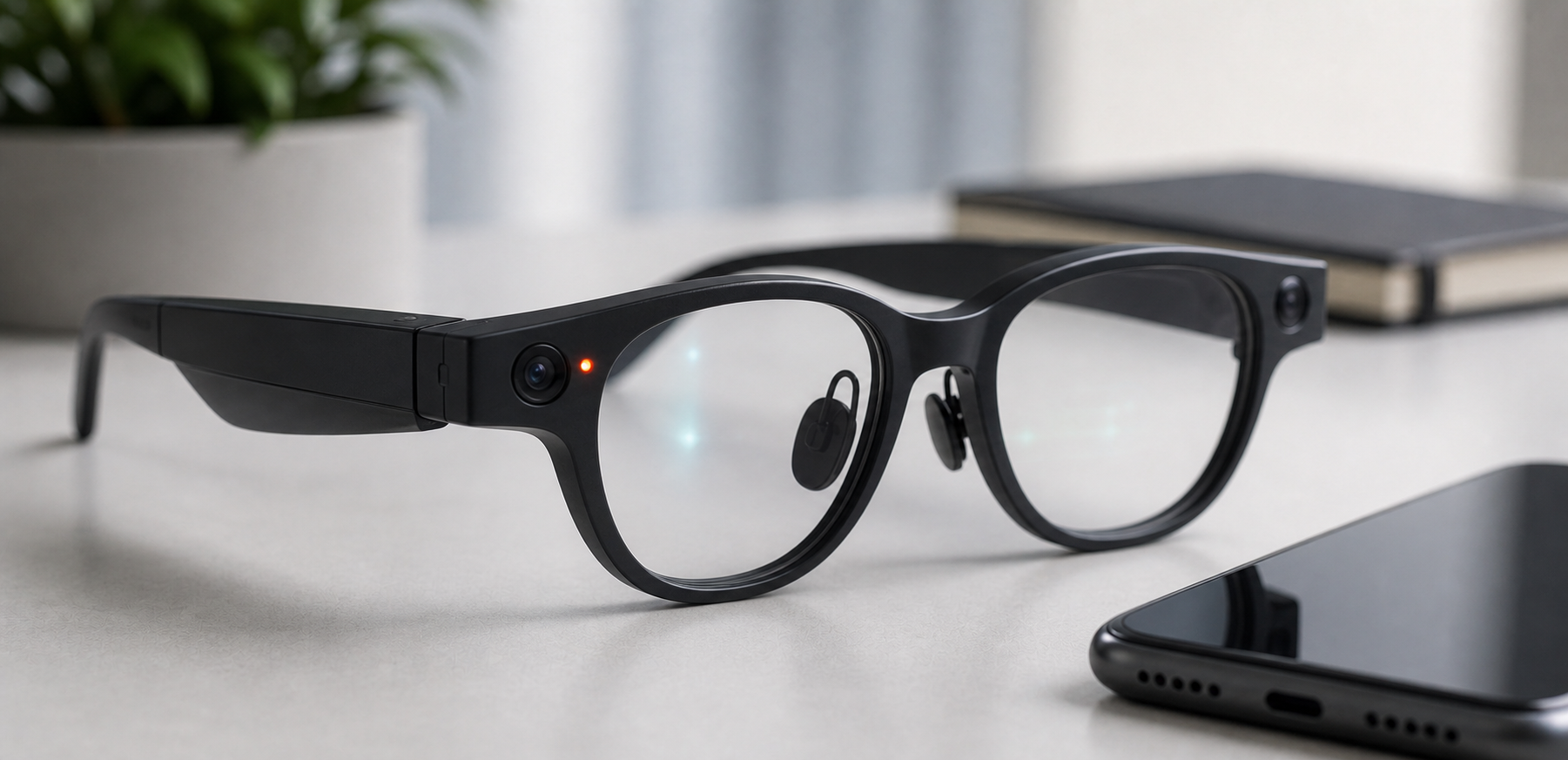
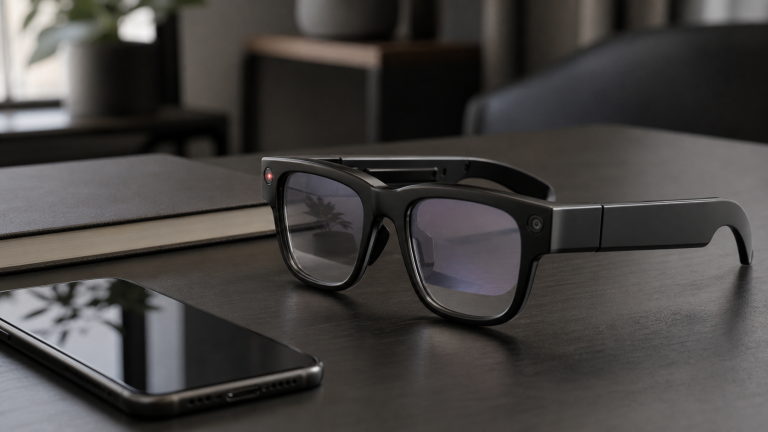
Yes, some smart glasses can record video. Camera-equipped models such as Ray-Ban Meta-style glasses are designed for hands-free photos and short video clips. Other smart glasses, especially display-focused products, may have no camera at all.
Quick answer: Smart glasses can record video only if the model includes a camera and recording feature. Recording limits, indicator lights, audio capture, storage, and privacy settings vary by product, region, and software version.
Which Smart Glasses Record Video?
Camera smart glasses are the main category that records video. These products include cameras in the frame and usually let the wearer start capture with a button, touch gesture, or voice command. Display glasses may not record video because they are built for viewing screens, not capturing the world.
Common Recording Limits
Consumer smart glasses often focus on short clips rather than long recording sessions. Exact limits can change through software updates, so check the current official product page and support documentation before buying.
Important limits to verify:
- Maximum video length
- Photo and video resolution
- Audio recording behavior
- Storage capacity
- Transfer method to phone or cloud
- Battery impact while recording
Recording Indicators
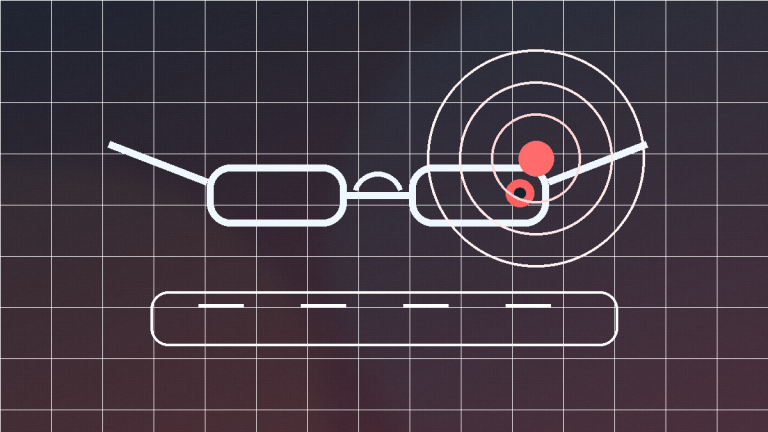
Many camera smart glasses include a visible recording light or indicator. This is important for bystander awareness, but it is not enough by itself. People nearby may not notice the light, may not understand it, or may object to recording anyway.
Buyers should check whether the indicator is always active during capture, whether it can be disabled, and how obvious it is in bright outdoor conditions.
Privacy Concerns
Camera glasses can record from a natural eye-level perspective, which makes them more sensitive than a phone held in the hand. Do not use them for secret recording. Avoid use in bathrooms, locker rooms, medical settings, classrooms, private meetings, gyms, or anywhere recording is banned.
Read our Smart Glasses Privacy Guide before buying or using camera glasses.
Buying Advice
Buy video-recording smart glasses if you want short hands-free clips and are comfortable managing privacy expectations. Skip camera glasses if you only want calls, audio, a wearable screen, or a lower-friction device for public use.
Compare options in Best Smart Glasses with Camera and the comparison chart.
FAQ
Do all smart glasses record video?
No. Only camera-equipped models can record video. Many display or audio smart glasses do not include cameras.
Can smart glasses record audio too?
Some video recordings include audio through built-in microphones. Check the exact model and privacy settings.
Can people tell when smart glasses are recording?
Some models include recording lights, but bystanders may not notice or understand them. Clear communication is still important.
Sources
- Meta AI Glasses official information
- Ray-Ban Meta official product information
- Meta AI Glasses privacy information
- FTC privacy and security guidance