What Are AI Glasses? A Beginner’s Guide
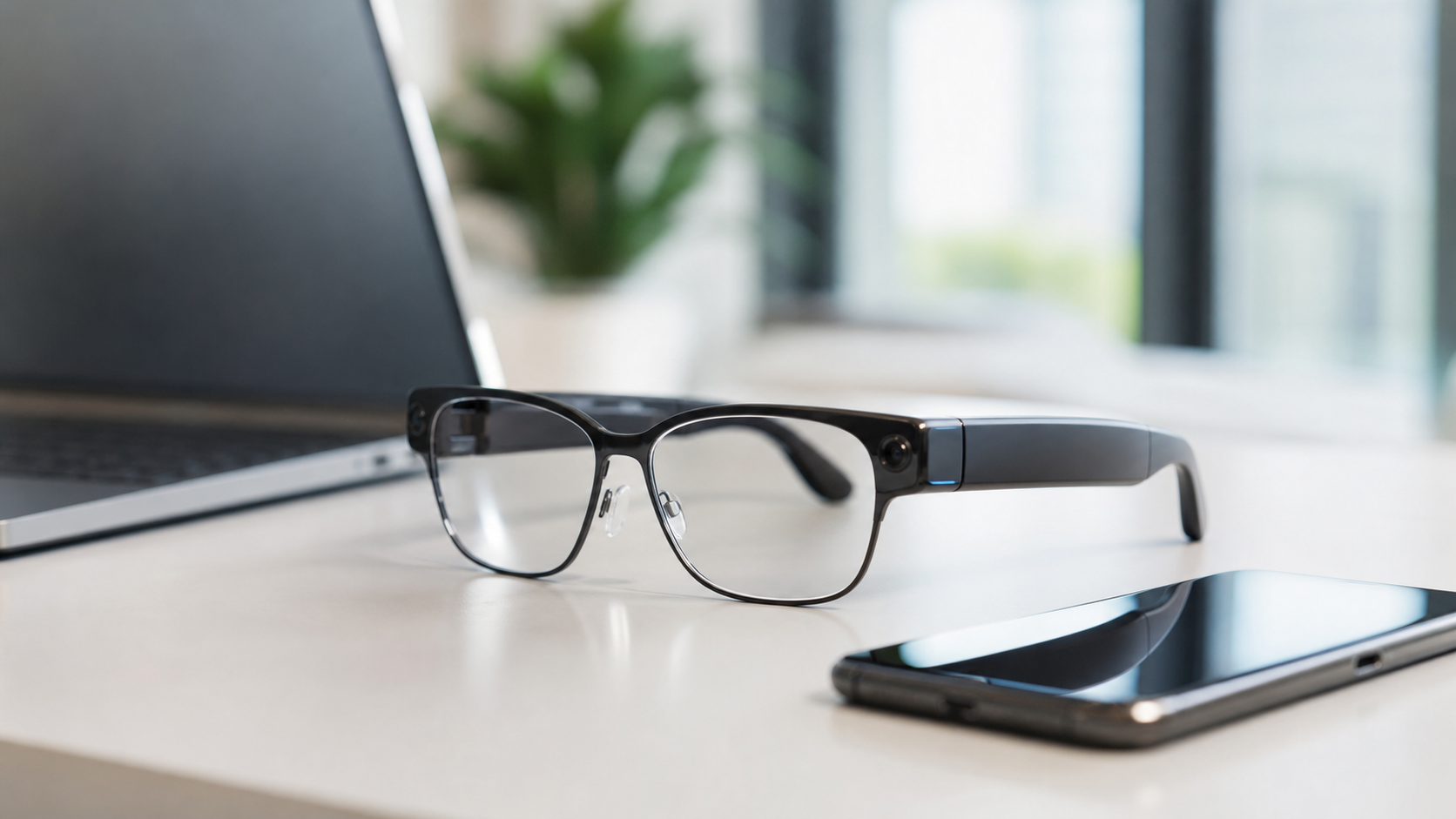
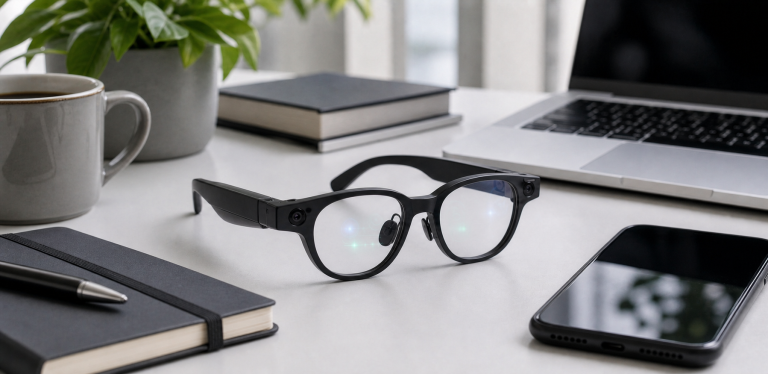
AI glasses are wearable glasses that combine everyday eyewear with artificial intelligence features such as voice assistance, camera-based understanding, hands-free capture, translation, navigation, audio, or visual overlays.
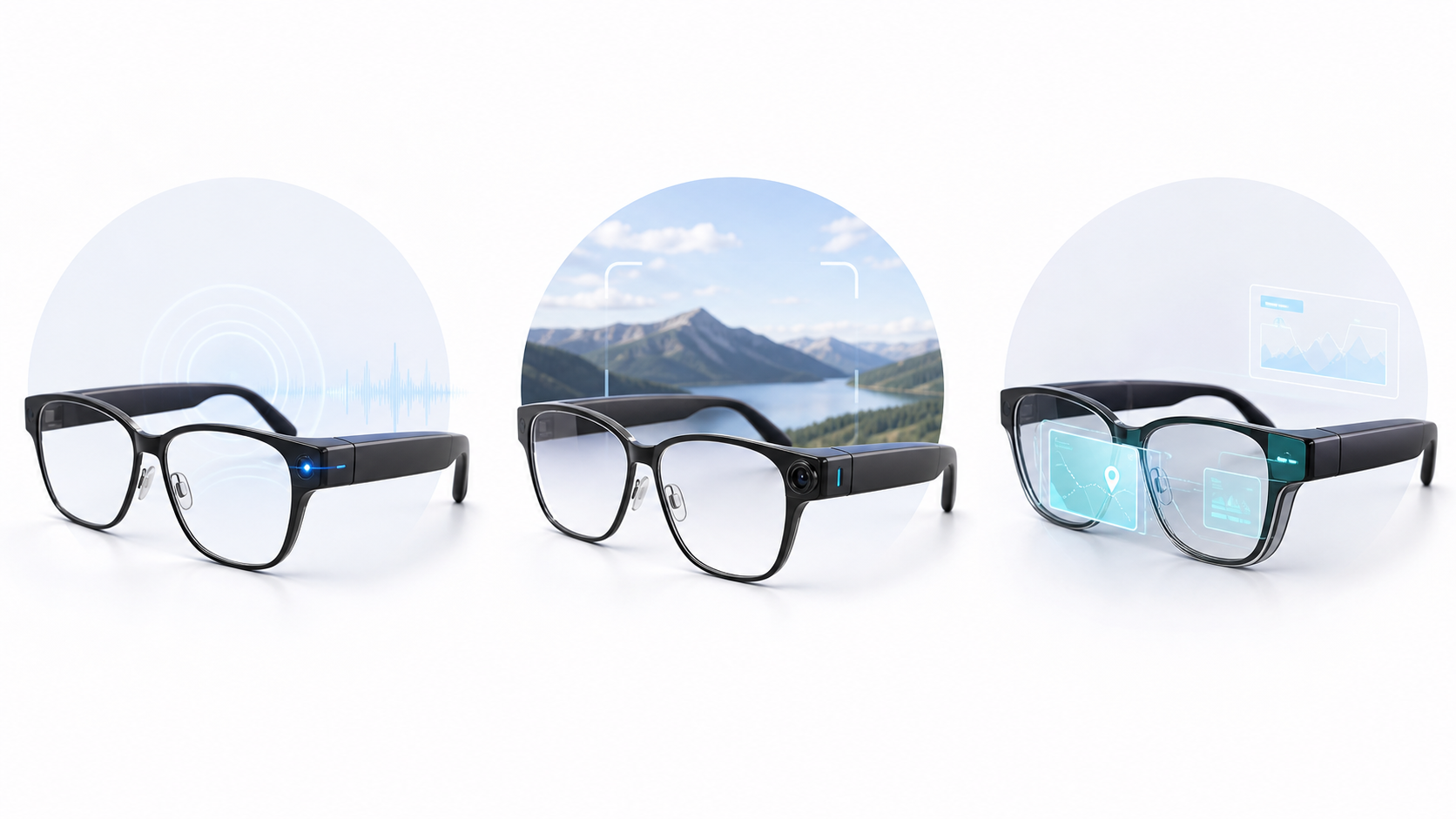
The important point is that AI glasses are not one single product type. Some AI glasses look like normal frames and focus on cameras, microphones, speakers, and voice assistants. Others are closer to AR or XR display glasses, giving you a wearable screen for maps, media, work, or gaming. A few upcoming products may combine both directions.
As of June 2026, this category is moving quickly. Meta and Ray-Ban helped make camera and audio smart glasses mainstream. Google has also shown Gemini-powered intelligent eyewear as part of its Android XR direction, with partners including eyewear and hardware companies. That means buyers now need to understand not just what AI glasses are, but which kind of AI glasses actually fits their use case.
Quick Answer
AI glasses are smart glasses that use AI to help you interact with the world hands-free. Depending on the product, they may let you ask questions, take photos or videos, listen to audio, make calls, translate speech, get directions, view information on a display, or understand what the camera is seeing.
The simplest way to think about the category:
- Camera AI glasses help you capture and ask about the world around you.
- Audio AI glasses focus on voice assistants, calls, music, and open-ear listening.
- Display or AR glasses show digital information in front of your eyes.
- XR glasses act more like a wearable screen for phones, computers, consoles, or media.
How Do AI Glasses Work?
Most AI glasses combine several parts:
- Frames and lenses that look like regular glasses or sunglasses
- Microphones for voice commands and calls
- Speakers for open-ear audio
- One or more cameras on camera-equipped models
- Touch controls or buttons on the frame
- A battery and processor inside the temples
- A phone app or cloud service that handles setup, AI features, updates, and storage
- A display module on models that show visual information
When you ask a question, the glasses usually capture your voice and send it to an AI assistant through a connected phone or built-in connection. If the glasses have a camera, some models can use visual input to answer questions about what you are looking at. If the glasses have a display, they may show short answers, maps, captions, notifications, or screen-like content.
This is why two products can both be called smart glasses but feel completely different in real life. Ray-Ban Meta-style products are built around camera, audio, and AI interaction. XREAL or VITURE-style XR glasses are more display-focused. Google’s upcoming Gemini eyewear direction may push the category toward more deeply integrated AI assistance.
AI Glasses vs Smart Glasses vs AR Glasses
The terms are often used loosely, but they are not identical.
| Category | Main idea | Best for | Typical tradeoff |
|---|---|---|---|
| AI glasses | Glasses with AI assistant features | Voice help, visual questions, translation, hands-free tasks | Features may depend on region, app, and cloud services |
| Smart glasses | Connected glasses with camera, audio, controls, or apps | Calls, music, photos, short videos, notifications | Not every pair has strong AI or a display |
| AR glasses | Glasses that place digital visuals in your field of view | Maps, captions, overlays, productivity, spatial experiences | Can be more expensive, bulkier, or less mature |
| XR display glasses | Wearable screen glasses connected to another device | Movies, gaming, travel, portable monitor use | Often depend on a phone, computer, console, or adapter |
If you are buying your first pair, start with the use case instead of the label. A buyer who wants hands-free vacation videos should look at camera smart glasses. A buyer who wants a private big-screen display on a plane should look at XR display glasses. A buyer who wants real-time AI help should watch how Gemini, Meta AI, and other assistants develop on eyewear.
What Can AI Glasses Do Today?
Current AI glasses and smart glasses can already be useful, but expectations need to be realistic.
- Take photos and short videos from a first-person point of view
- Make hands-free calls
- Listen to music, podcasts, or navigation prompts through open-ear speakers
- Ask a voice assistant questions
- Get help with simple visual queries on camera-equipped models
- Translate or interpret speech where supported
- View media or use a wearable display on display-focused models
- Receive notifications or limited information overlays on some products
The best features depend heavily on the product. A camera-first pair may be excellent for quick capture but useless as a wearable screen. A display-first pair may be great for media but have no camera. Some AI features also depend on country, language, phone compatibility, and software rollout.
What Are AI Glasses Good For?
AI glasses are most useful when taking out a phone would be slow, awkward, or distracting.
- Travel: capture short moments, ask questions, listen to directions, or use translation features where supported.
- Family and events: record short first-person clips without holding a phone.
- Walking and commuting: listen to calls or navigation while keeping ears partly open.
- Work notes: use voice capture, calls, or future assistant features for hands-free productivity.
- Accessibility: certain audio, captioning, navigation, or visual assistance features may become valuable for specific users.
- Media and gaming: display glasses can act as a wearable screen for entertainment.
They are not always the right device. If you need high-quality video, a phone or action camera may still be better. If you need long work sessions, a laptop or monitor is still more practical. If you need private use in sensitive environments, camera glasses can create social and privacy problems.
Privacy and Social Concerns
Privacy is one of the biggest issues in AI glasses.
Camera-equipped glasses can record from a natural eye-level perspective. Microphones can capture nearby sound. Future AI features may analyze what the wearer sees or hears. That makes these devices more sensitive than headphones or watches.
Before buying camera smart glasses, check:
- Is there a visible recording light?
- Can people nearby tell when recording is happening?
- How long can the glasses record?
- Where are photos, videos, voice data, and AI requests processed?
- Can you disable cloud uploads or AI training settings?
- Are facial recognition or visual identification features present or planned?
- Are camera glasses allowed at your workplace, school, gym, or event?
The safest editorial rule is simple: do not use smart glasses in places where people reasonably expect privacy. Even when recording is legal, it may still be inappropriate.
Should You Buy AI Glasses Now or Wait?
Buy now if you have a clear use case that current products already solve. For example, Ray-Ban Meta-style camera smart glasses may make sense if you want stylish first-person capture and open-ear audio. Display glasses may make sense if you want a portable screen for travel or gaming.
Wait if your main interest is next-generation AI assistance, deeper Android integration, better displays in normal-looking frames, or more mature privacy controls. Google’s Gemini eyewear direction is especially important to watch because it could shape how Android users experience AI glasses.
Skip for now if you are not comfortable with camera privacy tradeoffs, need all-day battery life, expect phone-level camera quality, or want a fully polished AR experience at a mainstream price.
Buying Checklist
Before choosing a pair, answer these questions:
- Do I need a camera, a display, audio, AI assistance, or all of them?
- Will I wear these in public without feeling awkward?
- Are the AI features available in my country and language?
- Does the product support my phone, laptop, or console?
- Do I need prescription lenses?
- How long does the battery last for my actual use case?
- What happens to my photos, videos, audio, and AI requests?
- Is this a product I need now, or should I wait for upcoming models?
If you are unsure, start with our Buying Guides, compare models in Comparisons, and read the Privacy & Safety section before buying.
FAQ
Are AI glasses the same as AR glasses?
No. AI glasses focus on assistant and intelligence features. AR glasses focus on visual overlays or display experiences. Some future products may combine both, but many current products lean clearly toward one side.
Do AI glasses need a phone?
Many do. A phone app is often required for setup, connectivity, media transfer, AI processing, and updates. Display glasses may also need a phone, computer, console, or adapter.
Can AI glasses record video?
Some smart glasses can record video, especially camera-equipped models. Recording limits, indicator lights, storage, and privacy settings vary by product.
Do AI glasses have facial recognition?
This depends on the product and software. Because facial recognition is highly sensitive, buyers should check official documentation and current privacy settings before assuming any model supports or does not support it.
Are AI glasses worth it in 2026?
They can be worth it for specific use cases such as hands-free capture, open-ear audio, travel, translation, or wearable display use. They are less compelling if you expect a perfect phone replacement or a fully mature AR computer.
Sources
- Google Blog: Intelligent eyewear with Gemini and Android XR
- Meta: Introducing the new Ray-Ban Meta smart glasses
- Meta: Ray-Ban Meta Gen 2 updates
- Ray-Ban Meta official product information
- VITURE Pro XR Glasses official product information